Support guides, start to finish
Four practical guides to running support well, plus workbooks to build your own policies: what a help desk is, how a ticketing system works, how to set service targets that hold, and how the people side fits together. Written from how Raiseaticket actually behaves, not from theory.
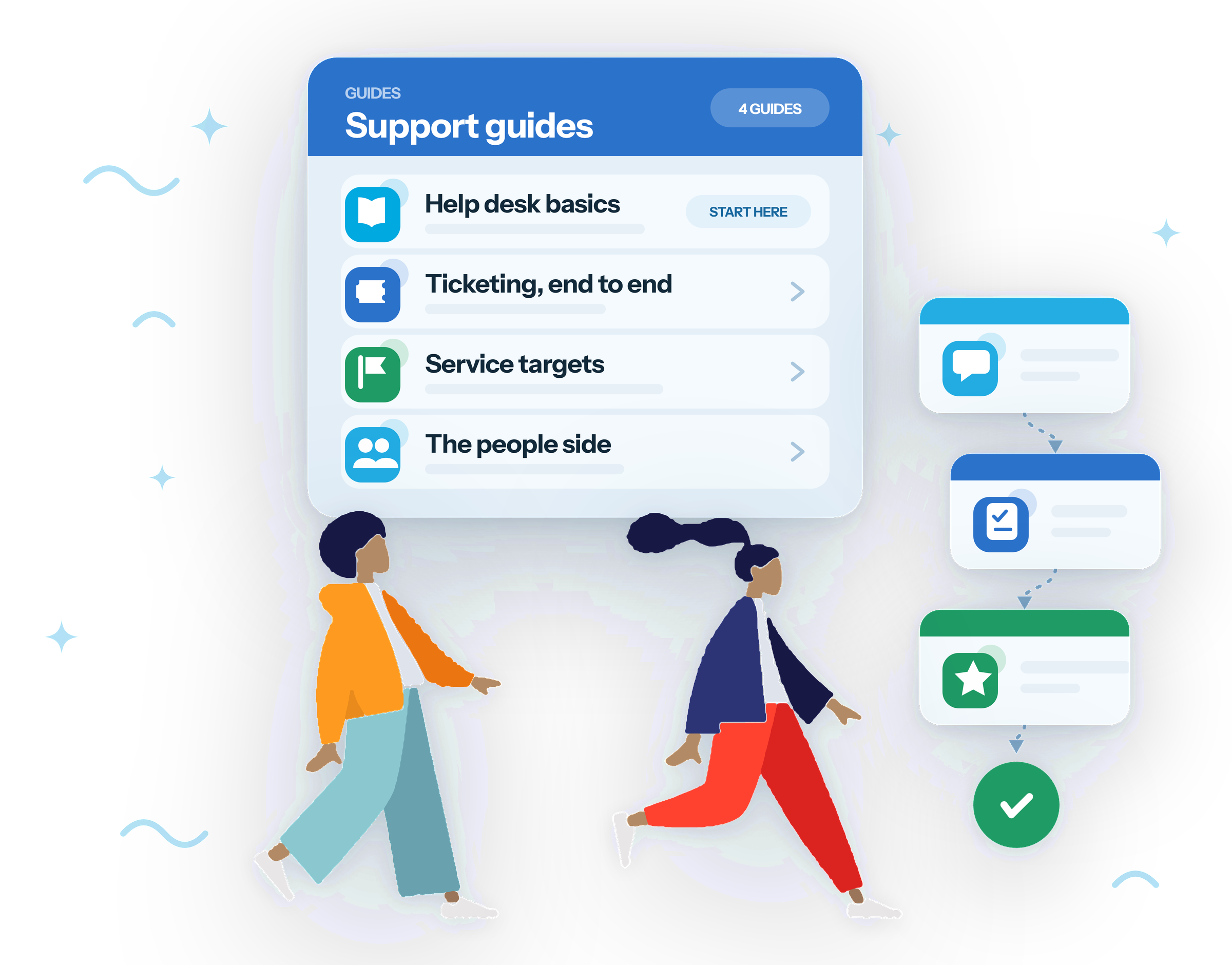
The four guides
Read them in order for the full picture, or jump straight to the one you need.
What is a help desk?
The whole support operation: channels, the customer portal, agents and teams, service targets and reporting. Includes how a help desk differs from a service desk, and how to stand one up the same day.
Read the help desk guideWhat is a ticketing system?
The engine underneath: how a request becomes a tracked ticket, the lifecycle it moves through from capture to close, the features that matter, and what to weigh when comparing tools.
Read the ticketing guideWhat is an SLA?
Turning vague promises into measurable ones: response versus resolution time, priorities, operating hours and holidays, pausing the clock fairly, and staying ahead of breaches.
Read the SLA guideWhat is customer service?
The people side: the four roles that deliver support and what each one can do, how a help desk raises quality, and the KPIs that tell you whether any of it is working.
Read the customer service guideTools, not just reading
The guides explain how support works. These three help you decide how yours will, and hand you something you can give the team.
SLA policy workbook
Six decisions that determine whether your targets survive a real week: priorities, operating hours, holidays, pausing the clock, targets and who owns a breach. Assembles a policy you can copy.
Open the SLA workbookTicket handling workbook
Build a priority grid from impact and urgency, choose your categories and statuses, and set the path a ticket takes from triage through to closed.
Open the ticket workbookHelp desk templates
Worked examples rather than blanks: an SLA policy table, an escalation matrix and a first-30-days checklist, ready to copy and adapt.
See the templatesThe guides in Portuguese and Spanish
All four guides are translated. The product interface itself is English - both landing pages say so before you sign up.
Looking for something more specific?
The guides cover the concepts. For step-by-step instructions inside your own portal, the help centre has the detail: a setup guide for configuring a new workspace, an agent guide for day-to-day work, and several hundred answered questions organised by area.
If you want to see the product rather than read about it, the product overview and pricing page set out what a free workspace includes and where the premium add-ons begin.
Put the guides into practice
A free workspace takes a few minutes to set up: 5 agents, 500 tickets a month, no credit card and no trial clock.
Free foreverNo credit cardNot a 6-month trial