What is cloud based help desk software?
An online ticketing system for customer support - your team opens it in a browser. Nothing to install, nothing to patch, and no server to provision - just sign up and start taking tickets. Free for 5 agents and 500 tickets a month, with no credit card and no trial clock.
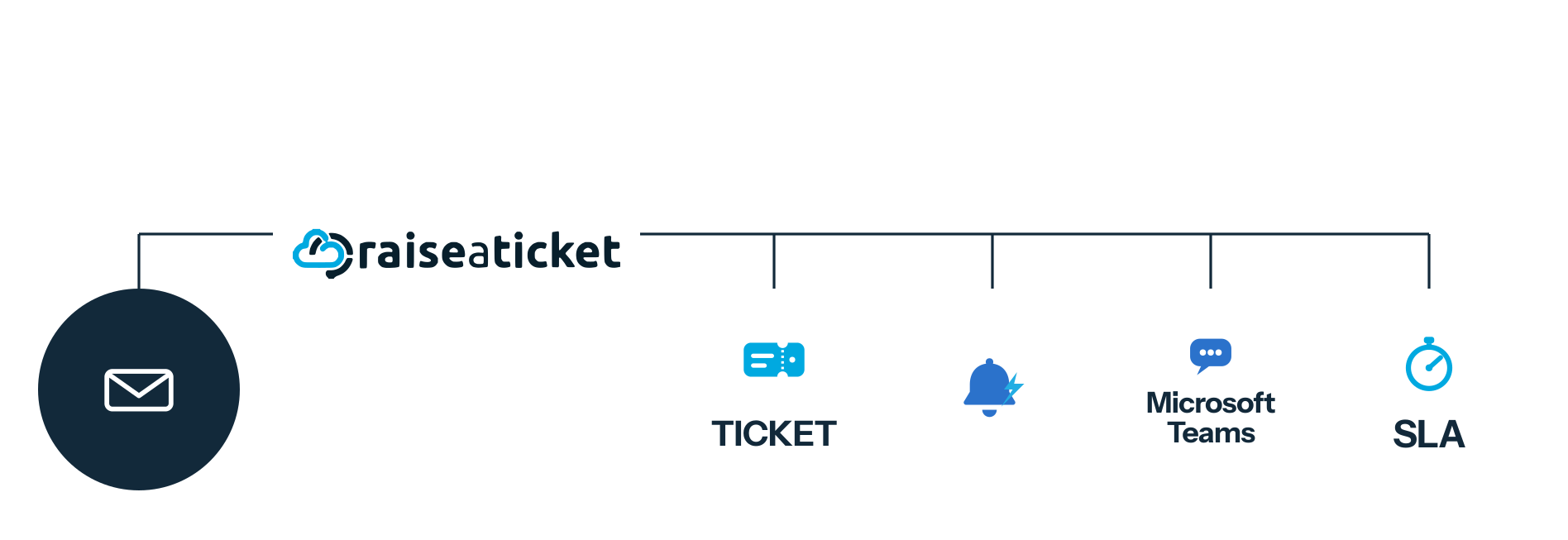
Cloud, online and web based mean the same thing
People search for a cloud based help desk, an online ticketing system and web based helpdesk software as though they were different products. In support software they are three names for one arrangement: the software runs on the vendor’s servers and your team reaches it through a browser, not on a machine you own.
The distinction that matters is cloud versus on-premise. On-premise means you install the help desk on your own server and own the hardware, updates, backups and security patching. Cloud means somebody else does that and you log in.
Neither is automatically better. On-premise wins when regulation requires data to stay on infrastructure you control and you have the people to run it. Cloud wins nearly everywhere else, because the cost of on-premise is rarely the licence - it is the person maintaining it. Judge tools on how tickets are captured, routed and measured, not on the label the marketing settled on.
What a cloud help desk changes day to day
A help desk ticketing system, cloud or otherwise, exists to make sure every customer question, request and reported issue reaches the right person and is answered. Running it online changes how much of your time that costs.
- No installation, no server to provision
- Upgrades happen without your involvement
- Reachable from any device with a browser
- No maintenance window to plan around
- Nothing to patch when a vulnerability lands
- Remote and hybrid teams work from the same queue
What you get with a free cloud helpdesk
Ease of setup
There is no installation to plan. Sign up, create your workspace, invite your agents and connect a mailbox. A guided setup walks through departments, priorities and SLA policies, so the queue is configured for how you actually work before anybody depends on it.
Works on whatever they are using
Because it is a web based help desk, it adapts to desktops, laptops, tablets and phones through the browser. Agents covering an evening shift from home reach the same queue, with the same permissions, as the ones at their desks.
Faster first response
Customers rarely wait patiently. An online ticketing system removes the cluttered shared mailbox where requests go unnoticed, and shows at a glance what needs answering now, what is approaching its target and what is already overdue.
Faster resolution
Routing sends each ticket to the department and agent best placed to handle it, rather than to whoever happens to read it first. Private notes let colleagues contribute without a chain of forwarded email, and the full history stays on the ticket.
A single point of contact
Email, the customer portal and web forms all land in one queue. Customers get one place to raise a request and check its status, instead of guessing which address reaches a human.
Remote support without extra tooling
Distributed teams need no VPN into an internal server and no client software. A browser and a login is the whole requirement, which is what makes an online help desk practical for teams that are not in one building.
Performance you can see
Reports cover ticket volumes, first response and resolution times, SLA breaches and how individual agents and departments are performing. See reports and analytics.
More done per agent
Less time spent triaging a mailbox, chasing status and re-typing the same answer. A knowledge base handles the questions that repeat, so agents spend their time on the ones that need them.
The complete core helpdesk, free
Most free cloud help desk plans withhold the parts you need most and call it a free tier. The complete core helpdesk is free for 5 agents and 500 tickets a month.
- SLA policies with response and resolution targets
- Reports and analytics
- Knowledge base and portal FAQs
- Departments, groups and agent privileges
- Email ticketing from your own support address, with forwarding from any mailbox
Premium add-ons include single sign-on, advanced automation, asset management, change management, native Microsoft 365 and Google Workspace mailbox integration and the REST API.
Is a cloud help desk secure?
This deserves a straight answer rather than reassurance: cloud is not inherently more or less secure than self-hosting. It moves the responsibility.
Self-hosting means your customers’ data depends on your patching cadence, your backup testing, your access controls and whoever is on holiday when a vulnerability is disclosed. Plenty of teams do that well, but it is a standing commitment, and an unmaintained help desk holding years of customer correspondence is a liability rather than a saving.
A cloud help desk moves that work to the vendor, so what you are assessing is whether they do it competently: how access is controlled, how data is encrypted in transit and at rest, and what happens to your data if you leave. Ask any provider, including us.
Agents sign in with single sign-on (Premium) through Microsoft 365 or Google Workspace, so account control stays with your identity provider. Agent privileges decide who sees which departments and queues, and private notes keep internal discussion off the customer-facing thread. Raiseaticket is operated by Fonicom Limited from Malta, in the European Union, with customer data in EU-based data centres - more on the security page.
Where cloud is not the answer: if a regulator or a contract requires data to remain on infrastructure you control, no vendor assurance satisfies that. Self-hosted open-source software is the correct category, and we would rather say so.
Cloud help desk software, answered
What is cloud based help desk software?
Help desk software that runs on the vendor’s servers and is reached through a web browser, rather than installed on hardware you own. Tickets, history and settings live in the vendor’s environment, so there is nothing for you to provision, update or patch.
Is there a genuinely free online ticketing system for customer support?
Yes, though check what is capped. Raiseaticket is free forever for 5 agents and 500 tickets a month, with no credit card and no expiry. Single sign-on, advanced automation and asset management are optional Premium add-ons; the core helpdesk itself is not held back, which is what to check in any free plan. See pricing.
Cloud or on-premise: which should we choose?
On-premise if regulation requires the data to sit on infrastructure you control and you have somebody to run it. Cloud otherwise. A free self-hosted licence saves less than it looks once you count server costs and the staff time to maintain and patch it.
Do we need to install anything?
No. There is no client software and no server. Agents sign in through a browser on whatever device they are using, which is what makes it workable for remote teams.
How quickly can we be taking tickets?
Creating a workspace and inviting agents takes minutes. Connecting your support mailbox and setting up departments and SLA targets is worth an afternoon, and after that the queue runs itself.
What happens to our data if we leave?
You should be able to export tickets, conversation history and contacts. Check this on any provider before you migrate in, not after - the cost of leaving a help desk matters more than the cost of joining one.
Does it work for internal IT as well as customers?
Yes. The same workspace handles external customer queues and internal ones for IT, HR or facilities, with departments and agent privileges keeping them separate. See internal ticketing and service desk software.
Can we move from our current help desk?
Yes. Migration can bring across tickets and their history, contacts, your department structure and knowledge base content, with a cut-over agreed in advance so support keeps running. See services.
Is this the same as a trouble ticket system?
Yes. “Trouble ticket” is older terminology - still common in telecoms and IT operations - for exactly the same record: one issue, logged and tracked from report to resolution.
An online help desk running this afternoon
Sign up, connect your mailbox and take your first ticket. Free forever, no credit card.
Free foreverNo credit cardNot a 6-month trial