01
/ 08
Do customers need a new system?
No. They keep emailing the same address. The ticketing happens on your side, which is the main reason email ticketing gets adopted faster than a portal alone.
Stop running support out of a shared inbox. Raiseaticket turns incoming support email into tickets with an owner, a priority, a status, an SLA and the full conversation history. Customers keep emailing the address they already use; your team gets the structure of a ticketing system. Free for 5 agents and 500 tickets a month, with no credit card.
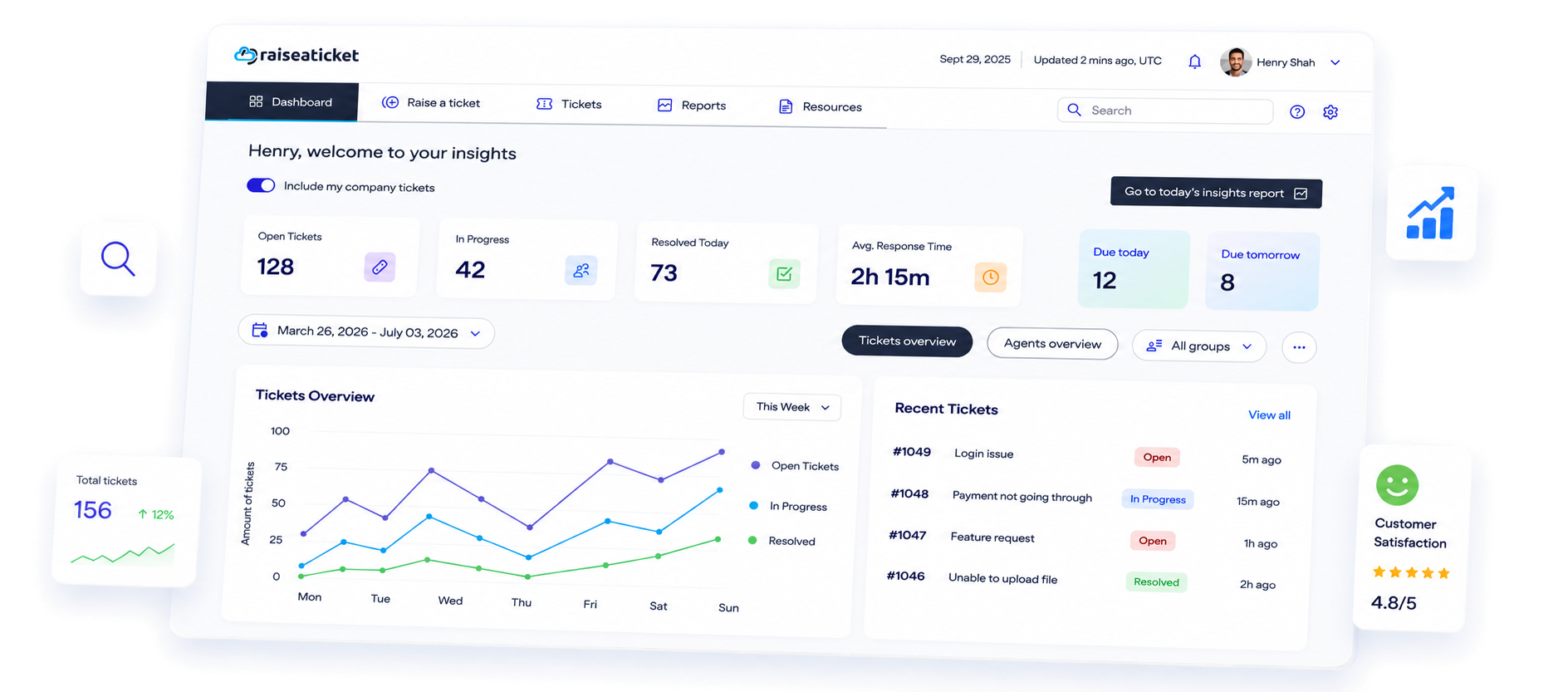
The Raiseaticket free email ticketing system offers:
Email is a fast, reliable, and accessible communication tool for businesses. Without proper organization, multiple agents may respond to the same query, leading to inconsistencies and reduced customer trust. A ticketing system eliminates this ensuring efficient handling of requests.
Email ticketing fosters collaboration between internal teams and external partners. By streamlining communication, organizations can address common issues, remove ambiguities, and tackle complex challenges effectively. Raiseaticket's platform ensures clear workflows and consistent responses across departments like Sales, HR, Finance, and IT.
A ticketing system tracks all customer queries, assigning tickets to the right agent and enabling easy follow-up. Raiseaticket provides insights into response times, unresolved issues, and customer feedback, helping businesses prioritize and resolve critical problems quickly.
The system is not limited to technical support but is also valuable for HR, DevOps, and Research and Development teams.
Every ticket is assigned to an agent or group, so nothing is answered twice or quietly missed. Rule-based automation is available as a premium add-on.
Arrange tickets by urgency, ensuring priority handling.
Track performance metrics and response times.
Collect insights from closed tickets to refine processes and reduce churn.
Built to simplify communication and enhance customer satisfaction, it empowers businesses to deliver outstanding service every step of the way.
Manage high email volumes effortlessly
Ensure faster response and resolution times
Boost customer trust and satisfaction.
Easily map and enhance the customer journey.
Get started with Raiseaticket at no cost and revolutionize your customer interaction management. For tailored assistance and seamless integration as your unified support inbox, contact us today.
Contact usEmail ticketing sits behind your existing support address. Customers carry on emailing exactly as they always have, and your team stops working out of a shared mailbox.
Forward to your hosted Raiseaticket address on the free plan, or connect your own Outlook or Gmail mailbox with the Premium Microsoft 365 or Google Workspace integration. Either way your support address becomes the front door, and nothing changes for the person writing in.
Every message is captured with a reference, a status and an owner, so a request cannot quietly disappear under the next fifty emails.
Route it to the right department and hold it to an SLA, with response and resolution targets measured against your operational hours.
Responses thread back onto the same ticket, so the whole conversation stays in one place instead of scattered across individual inboxes.
No. They keep emailing the same address. The ticketing happens on your side, which is the main reason email ticketing gets adopted faster than a portal alone.
Microsoft 365 and Outlook, or Google Workspace and Gmail. Connecting your own mailbox is a Premium add-on; the hosted Raiseaticket support address is included in the free plan.
Yes. Different addresses can feed different departments, so sales, billing and technical support each land in their own queue.
The conversation is kept on the ticket, so you can see what was said and when without digging through a personal mailbox.
Yes. SLA policies are set per department and priority, so an urgent outage and a routine question are not measured the same way.
Unwanted mail can be marked as spam so it leaves the working queue and stops distorting your reporting.
Yes. HR, IT and facilities can each take requests from colleagues by email in exactly the same way, from the same workspace.
Yes. Your portal has a web form as well, and it is customisable, so requests arrive already carrying the category and priority you need. Email and form tickets land in the same queue and are managed identically.
Product questions, service requests, incidents and updates - your experts handle all of it on a 100% free cloud helpdesk.