Good support is a set of habits
Most of what separates a helpdesk customers trust from one they tolerate is not the software. It is a handful of practices applied consistently, and a small number of measures that tell you whether they are working.
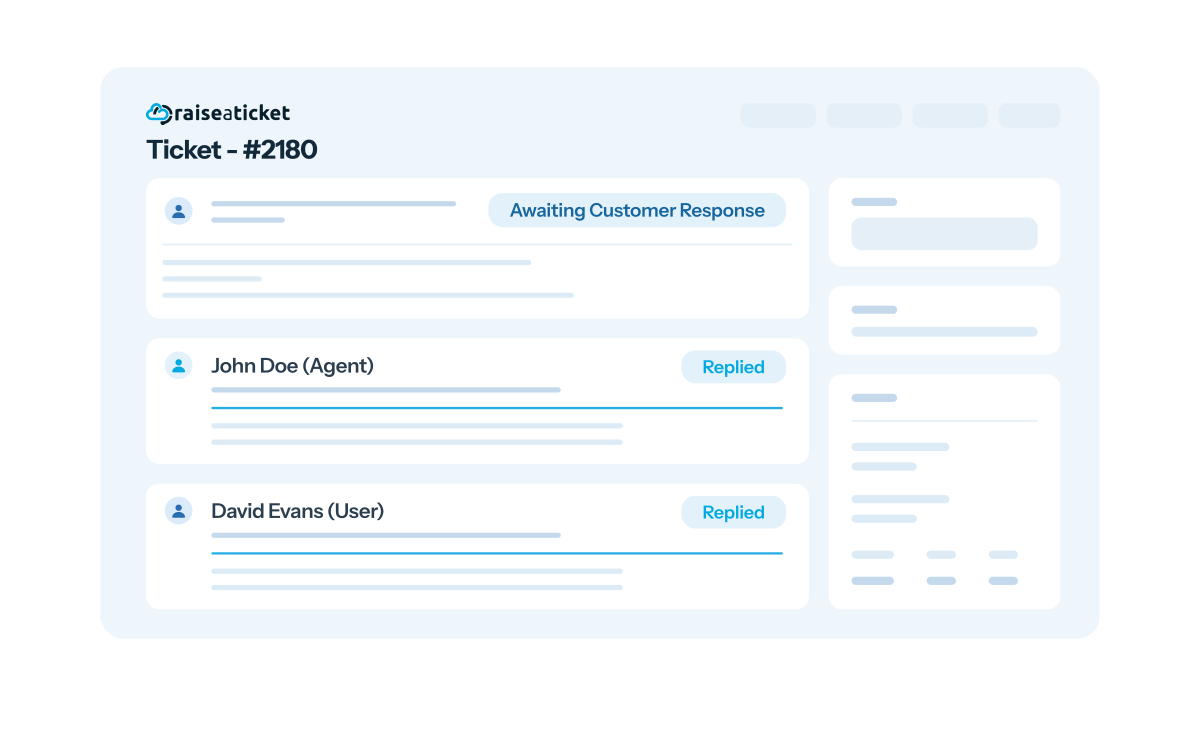
Delivering exceptional customer support
Efficient ticket management. A systematic approach to categorization, prioritization and assignment, so every ticket reaches the right agent rather than the first available one.
Prompt response times. Set clear SLAs and hold the team to them. An agreed target that everybody knows beats an unspoken expectation nobody meets.
Clear and concise communication. Articulate responses simply, avoiding jargon and complex terminology, so customers understand the instructions the first time.
Attention to detail. Read the whole ticket, including attachments, screenshots and anything the customer added. The full context is usually what separates an accurate answer from a plausible one.
Timely responses. Set realistic expectations and keep to them. If resolution needs longer, say so and give regular updates rather than going quiet.
Personalization. Tailor replies to the individual and their specific concern. Generic or scripted responses make customers feel unheard, which costs more goodwill than a slow answer.
Knowledge base and self-service. Build a comprehensive library of FAQs, troubleshooting guides and self-help resources, and point customers to it. See knowledge base.
Clear ticket documentation. Record the issue as described, the actions taken and the resolution offered. This is what makes handovers survivable and turns individual fixes into team knowledge.
Continuous training. Invest in product knowledge, communication and problem-solving. Support quality tracks agent confidence more closely than most teams expect.
The metrics that tell you whether it is working
Best practices are only worth adopting if you can see their effect. These few measures cover most of what matters, and they are more useful read together than individually.
First response time. Usually the strongest driver of how supported a customer feels, and often more important to them than how long the complete fix takes. A rise here is the earliest sign a team is stretched.
Resolution time. Read it alongside volume. The same figure means something different in a busy week than in a quiet one.
Received against resolved. If incoming consistently outpaces resolved, the backlog grows regardless of effort. No process change fixes that without either more capacity or fewer tickets arriving.
Reopen rate. Tickets closed and then reopened usually mean the first answer treated the symptom. It is the quietest signal of quality and the easiest to overlook.
Ticket volume by category. The route to reducing work rather than absorbing it. A recurring category is either a product problem or a missing knowledge base article.
Common mistakes worth avoiding
- Measuring speed alone. Optimising purely for fast closure produces exactly that: tickets closed quickly, and reopened shortly after. Pair speed with reopen rate.
- SLAs that ignore working hours. A four-hour target counting overnight punishes a team for being asleep. Set operational hours so targets reflect reality.
- A knowledge base nobody maintains. An out-of-date article is worse than no article, because it costs trust. Update it as part of resolving the ticket.
- Priority set by whoever asks loudest. If everything is urgent, nothing is. Define what each priority means before you need to use it.
- Alerting everyone about everything. Notifications sent to the whole team stop carrying information. Send them to the person who has to act.
More on tuning alerts in helpdesk notifications, and on targets in SLA management.
The order that works
Adopting everything at once tends to mean adopting nothing. This sequence works because each step makes the next one easier.
First, get everything into one queue. Until every request has a reference and an owner, no other practice can be applied consistently, because you cannot improve work you cannot see. This alone removes the most common failure in support: two people answering the same customer, or nobody answering at all.
Then set response targets you can actually meet. Start from what your team currently achieves rather than an aspirational figure, and set operational hours so overnight is not counted against you. A target that is missed constantly teaches everyone to ignore targets.
Then write down the answers you repeat. Sort closed tickets by category and turn the recurring ones into knowledge base articles. Each one removes work you are currently doing by hand every week, and it is the only practice here that reduces volume rather than managing it.
Then tune who hears about what. Route notifications to the person who has to act rather than the whole team, so an alert implies ownership. Everything before this makes support reliable; this is what makes it feel responsive.
Finally, review on a rhythm. Look at the measures together, monthly rather than only when something goes wrong. Most support problems are visible in the numbers weeks before they turn into a complaint.
Common questions
What is a good first response time?
Less useful a question than it sounds, because it depends entirely on what you have promised. A target you consistently meet builds more trust than an ambitious one you miss half the time. Start from what your team already achieves, publish it, then improve it deliberately.
How do we set realistic SLA targets?
Measure your current performance first, then set the target slightly ahead of it and configure operational hours so out-of-hours time is excluded. Different priorities and departments should carry different targets. See SLA management.
How often should we review the metrics?
Monthly is enough for trends, with overdue tickets watched daily. Reviewing only when something has gone wrong means you are always reacting rather than adjusting.
How do we stop the knowledge base going stale?
Update the article as part of resolving the ticket that exposed the gap, rather than treating maintenance as a separate project nobody is scheduled to do. An out-of-date article costs more trust than a missing one.
Everything gets marked urgent. What do we do?
Define what each priority means in terms of impact before you need to use it, and route on those definitions rather than on how the request was phrased. If priority is set by whoever asks most insistently, the field stops carrying information.
Do these practices need a paid plan?
No. SLAs, the knowledge base, reporting and notifications are all in the free plan, which covers 5 agents and 500 tickets a month. None of the practices on this page depends on an upgrade. See pricing.
A helpdesk that supports the habits
SLAs, a knowledge base, reporting and notifications are all included in the free plan, so none of these practices depends on an upgrade.
Free foreverNo credit cardNot a 6-month trial