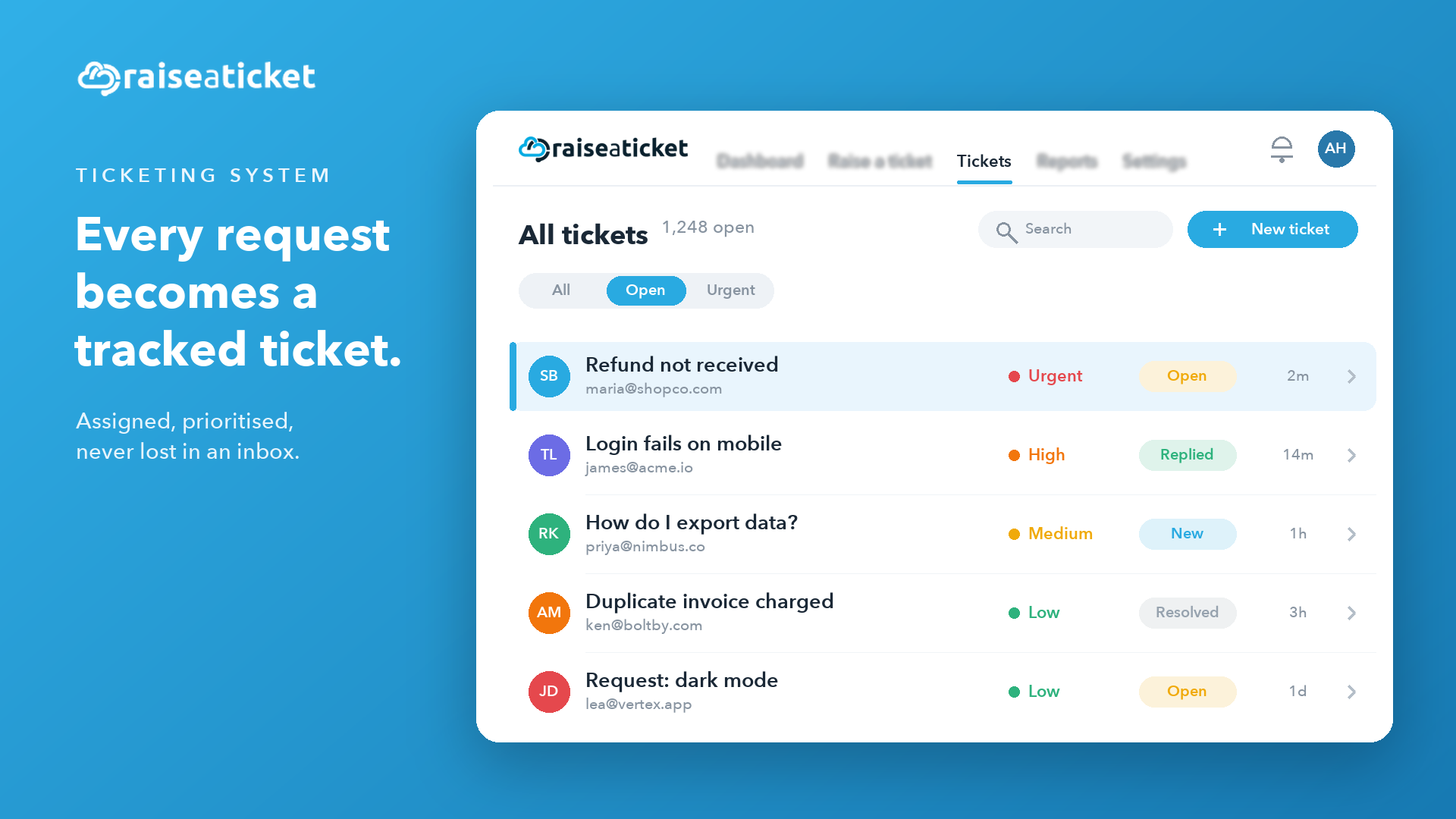
Support requests arrive from everywhere - a customer emails, another fills in a form, a colleague messages you directly. Handle that in a shared inbox and things slip: two agents reply to the same person, an urgent issue sits unseen, and nobody can say who owns what. A ticketing system fixes this by turning every request into a trackable record with a status, an owner, and a clock. This guide explains what a ticketing system is, how it works step by step, the features that matter, and how to stand one up for free with Raiseaticket.
A ticketing system is software - cloud-based or on-premise - that captures customer inquiries, service requests, and reported issues and logs each one as an individual ticket. Every ticket is a unique case: a record of who asked, what they need, who's handling it, its priority, and its current status, from the moment it's raised to the moment it's resolved.
That single shift - from scattered messages to structured tickets - is what makes support scalable. Instead of hoping nothing falls through the cracks, you get one organized queue where every request is visible, assignable, measurable, and impossible to lose. Raiseaticket is a 100% free helpdesk built around exactly this: a simple, intuitive ticketing system that centralizes web and email support so your team stays organized and responsive.
Behind the scenes, every ticket moves through a defined lifecycle. In Raiseaticket it looks like this:
A customer opens a ticket by emailing your support address or submitting the web-portal form; an agent can also raise one on a customer's behalf. Raiseaticket gives every account a dedicated support address (like [email protected]) the moment you sign up.
The request becomes a unique ticket, timestamped and set to an Open status. The creation timestamp is what the first-response clock is measured against.
The ticket is sorted by category, labelled with tags for context, and given a priority (Low, Medium, High, or Urgent) so the most important work rises to the top.
The ticket goes to the right group (a team organized by expertise or department) and to an agent - assigned manually by an admin or auto-assigned by the system.
The agent replies, adds private notes, loops in colleagues via CC/BCC, and requests approvals where needed. Throughout, the SLA clock tracks response and resolution targets.
Once solved, the ticket moves to a Resolved/Closed status. Closed tickets can be reopened: an agent or admin moves the status back to Open, and a customer replying to a closed ticket by email reopens it automatically.
Every ticket feeds reporting - first-response time, resolution time, and whether it was resolved within SLA - so you can see what's working and where to improve.
The best ticketing systems share a common toolkit. Here's what Raiseaticket provides:
The value lands differently depending on who you are.
For customers
For support agents
For businesses
A ticketing system isn't only for customer support:
Because Raiseaticket's free plan covers real teams, the same system scales from a small support desk to a company-wide internal help desk without a licensing decision getting in the way.
When you're comparing options, weigh these factors:
Raiseaticket covers all six, and its free tier (5 agents, 500 tickets a month, no credit card, no trial clock) means you can evaluate it in production rather than a sandbox.
At raiseaticket.com - no credit card required.
Your portal is assigned one automatically (e.g. [email protected]); forward your existing support email to it.
Invite your team and organize them by department or expertise.
Define response and resolution targets so quality stays consistent.
Share your portal and support address, and start resolving tickets.
Email and a web portal. Agents can also create tickets on a customer's behalf, and admins control which channels are active in Settings.
No - each ticket is assigned to a single agent for clear ownership, though it can be reassigned or escalated as needed.
Yes. An agent or admin can change the status from Closed or Resolved back to Open, and a customer replying by email reopens the ticket automatically.
Yes - it's well suited to internal support for teams like HR, IT, and Accounts on one shared portal.
Uploads can be up to 25MB. Common formats are supported, including images, PDF, Word, Excel, PowerPoint, RTF, ODT, TXT, CSV and ZIP.
Yes - 5 agents and 500 tickets per month, no credit card and no trial clock. SSO, automation, and asset management are optional premium add-ons.
Get multichannel intake, groups, SLAs, a knowledge base and reporting on a 100% free help desk: 5 agents, 500 tickets a month, no credit card, no trial clock.
Free foreverNo credit cardNot a 6-month trial