What Is a Help Desk? Features, Benefits & How to Set One Up Free
Managing customer questions across email, a web form, and the occasional direct message quickly becomes overwhelming and disorganized. A help desk brings all of it into one place - a single system where every request is captured, assigned, tracked, and answered. This guide explains what a help desk is, how it differs from a service desk, the features that matter, and how to set up a working help desk for free in minutes with Raiseaticket.
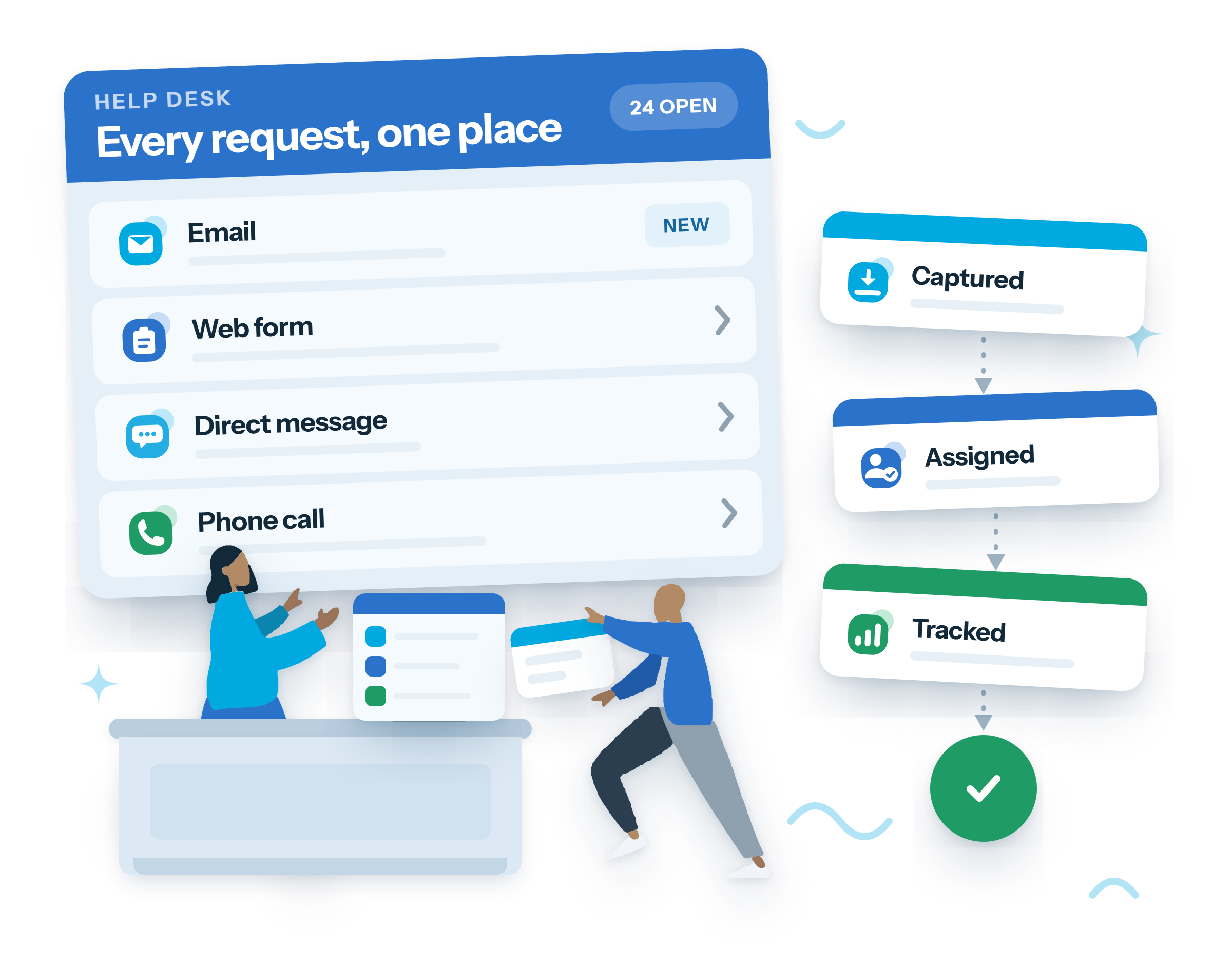
What is a help desk?
A help desk is the complete support operation a business uses to receive and resolve customer or employee requests. At its core sits a ticketing system that turns each request into a trackable ticket - but a help desk is more than the engine. It's the whole package: the channels customers use to reach you, the portal they log into, the knowledge base they self-serve from, the agents and teams who respond, the SLAs that set expectations, and the reports that tell you how you're doing.
Raiseaticket is a 100% free, web-based help desk for business support. Organizations build a multi-team help desk with the important features - simple and intuitive - making it a single point of management for service requests, troubleshooting, onboarding, maintenance, and more, across every industry.
Help desk vs service desk: what's the difference?
The terms overlap, but there's a useful distinction:
| Help desk | Service desk | |
|---|---|---|
| Focus | Resolving incidents and answering questions | Managing services end to end (ITSM) |
| Scope | Reactive, ticket-first support | Broader: service requests, change, assets |
| Primary users | Customers and employees | Often IT and internal service management |
| Orientation | First point of contact, fast resolution | Strategic, process- and ITIL-aligned |
In short, a help desk is focused on being the first point of contact and resolving issues quickly, while a service desk wraps support inside wider IT service-management processes. It's also worth separating a help desk from desktop/IT support: a help desk is the centralized system for logging and managing tickets, whereas desktop support is the hands-on technical work (hardware, network configuration, software installs) that sometimes follows. Most small and mid-sized teams need a great help desk first - and can grow into service-desk processes later.
Features to look for in a help desk
Not every platform includes the essentials. Here's what Raiseaticket provides - and what to look for anywhere:
Multichannel support
Capture requests from email and a web portal from day one, managed in one place.
A ticketing engine
Every request becomes a trackable ticket with a status, owner, and priority. (See the ticketing system guide.)
Self-service knowledge base
A searchable library of articles and FAQs so customers solve common issues without opening a ticket.
SLAs
Response and resolution targets, plus auto-assignment and auto-response emails, so quality stays consistent as volume grows. Advanced automation is a premium add-on. (See the SLA guide.)
Team organization
Organize agents into groups by department (IT, HR, Accounts) and control access with clear roles.
Collaboration
Internal notes, CC/BCC, approvals, and ticket merging so agents work together cleanly.
Customer portal
A space where users submit and track their tickets and browse the knowledge base. Adding your own branding and domain is premium.
Reporting and dashboards
Response times, resolution, SLA compliance, and agent performance at a glance.
Notifications and integrations
Real-time alerts, plus Microsoft Teams and Slack. Microsoft 365 and Google Workspace mailbox integration are premium.
Security and compliance
Cloud-hosted, GDPR-aligned, with multi-factor authentication available.
Benefits of using a help desk
For customers
- One clear way in - email or the portal - with instant acknowledgement that their request was received.
- Faster self-service through a knowledge base, so simple questions never need to wait for an agent.
- Transparency into the status of their requests.
For support agents
- Everything in one organized queue instead of a shared inbox, with ready-made views for what needs attention now.
- Group-based focus - agents see only their team's tickets, keeping work relevant and private.
- Built-in collaboration and escalation paths when an issue needs more expertise.
For businesses
- A single platform for both customer-facing and internal support.
- Accountability and insight - SLAs, dashboards, and reports show exactly how support is performing.
- Support for remote and distributed teams, with a shared portal and centralized knowledge that let experts help from anywhere.
- No software cost on the free plan - real capability without a licensing decision.
Common help desk use cases
- Customer support - manage product, billing, and service questions from customers across email and web in one console.
- Internal help desks - let employees raise requests to HR, IT, Accounts, SysOps, or Development through a single portal, so internal support is as organized as external support.
- Remote and hybrid support - a cloud help desk with a shared knowledge base lets frontline, technical, and sales experts resolve issues from anywhere, reducing response and resolution times.
- IT support - keep IT requests organized and auditable so nothing slips, with priorities and SLAs driving timely resolution.
How to choose the right help desk
Weigh these when comparing platforms:
- Channels - does it cover how your customers actually reach you (email, web, and the integrations you depend on)?
- Self-service - a built-in knowledge base deflects repetitive questions and scales your team without adding headcount.
- Ease of setup - can a non-technical admin get a working help desk live the same day?
- SLAs and automation - the difference between consistent service and ad-hoc responses as you grow.
- Reporting - you can only improve what you measure.
- Total cost - watch for per-agent pricing and trial timers; a genuinely free plan lets you prove value first.
Raiseaticket covers all six, and its free tier (5 agents, 500 tickets a month, no credit card, no trial clock) means you evaluate it in production rather than a demo sandbox. For the different kinds of free plan and what to check in each, see our guide to the best free help desk software.
Set up your free help desk in 5 minutes
Most platforms make you talk to sales first. Raiseaticket doesn't:
Sign up free
At raiseaticket.com - click Get Started for Free and fill in your details. No credit card. Activate via the emailed link.
Configure your portal
Set your organization details, time zone, and branding.
Connect email
Your portal comes with a dedicated support address (e.g. [email protected]); forward your existing support email to it so nothing is missed.
Add agents, groups, and roles
Invite your team, organize them into departments, and set who can do what (Admin, Agent, User).
Add a knowledge base and SLAs, then go live
Publish a few self-service articles, set response/resolution targets, and share your portal.
That's a functioning help desk - channels, agents, SLAs, and self-service - live the same day, at no cost.
Frequently asked questions
What's the difference between a help desk and a ticketing system?
A ticketing system is the engine that turns requests into trackable tickets; a help desk is the whole operation around it - channels, portal, knowledge base, agents, SLAs, and reporting.
Is a help desk only for customer support?
No. Raiseaticket works equally well as an internal help desk for teams like HR, IT, and Accounts on a shared portal.
What roles does a help desk have?
Raiseaticket has four: Super Admin (the portal creator, full access including billing and security), Admin (all portal settings, users and reports, but not billing), Agent (support staff who respond to tickets in their group), and User (the customer or employee raising tickets).
Do I need to install anything?
No - Raiseaticket is cloud-based. Sign up, configure, and you're live in the browser.
Is it really free?
Yes - 5 agents and 500 tickets per month, no credit card and no trial clock. SSO, automation, and asset management are optional premium add-ons.
Related guides
What is customer service?
Read the guideWhat is an SLA?
Read the guideWhat is a ticketing system?
Read the guideSet up your free help desk today
Multichannel support, a customer portal, knowledge base, SLAs, and reporting on a 100% free help desk: 5 agents, 500 tickets a month, no credit card, no trial clock.
Free foreverNo credit cardNot a 6-month trial